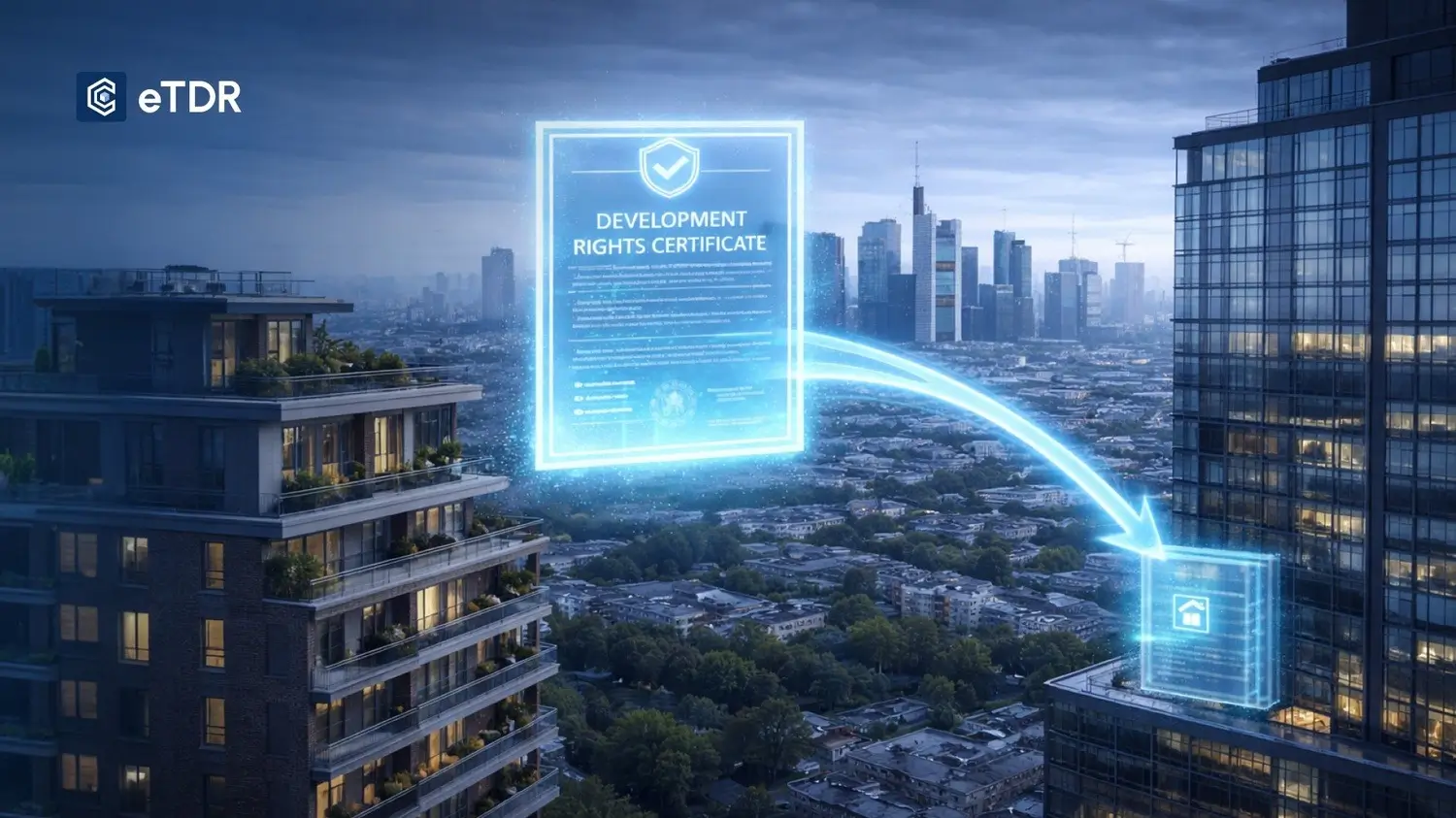
Most discussions about eTDR stop at the concept. They explain what it is, why it matters, and what
problems it solves — but leave a critical question unanswered: what does it actually look like when
you open the platform and start using it?
That is what this post covers. Not theory — the actual workflow. What a city official sees when issuing
a DRC. What a developer does when they need to buy one. What happens when a building approval requires
TDR verification. How the data surfaces in dashboards that give administrators a real-time view of the market.
Three People Who Use an eTDR Platform
Before walking through the platform, it helps to know who uses it — because each role has a completely different experience.
Every feature of the eTDR platform is built around these three workflows.
eTDR App: What Each Role Sees
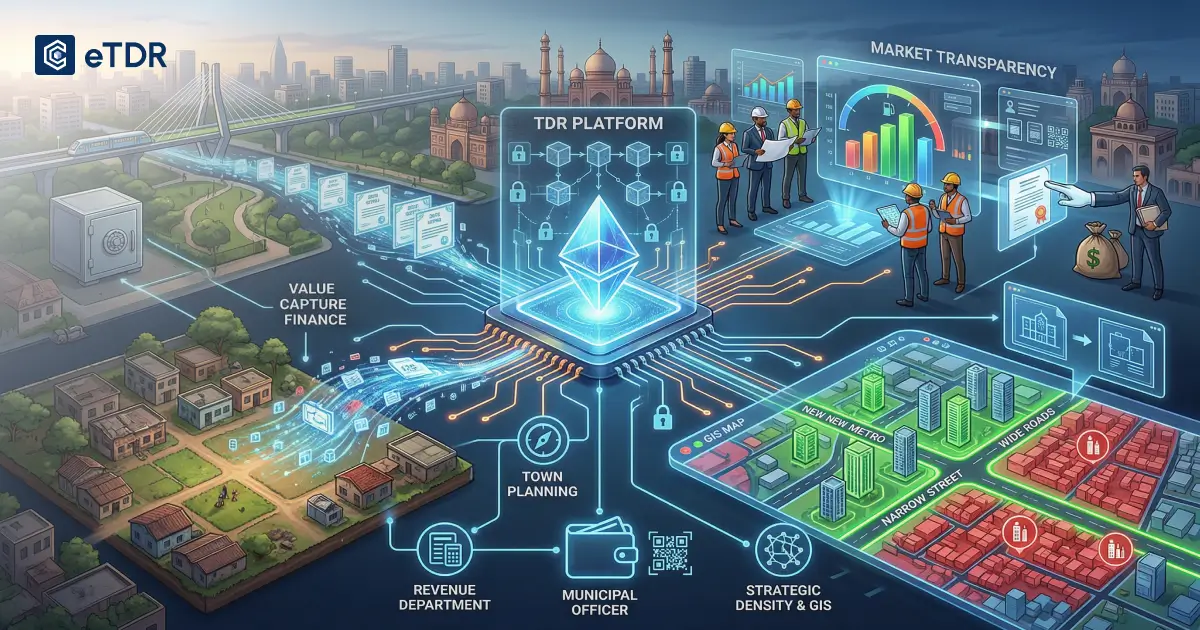
When a government authority logs into the eTDR system, the first thing they see is their
issuance dashboard — a central view of all DRCs issued, pending, and active
within their jurisdiction. From here, issuing a new DRC takes a structured process:
-
1
Issuer: Enter the landowner’s verified identity, originating plot details, area surrendered, and DRC area being granted. Confirm and issue — the DRC exists digitally in minutes, no physical certificate, no manual registry entry.
-
2
Seller (DRC Holder): The received DRC appears in their account with full details. To sell, they create a listing — set an asking price, choose public or private listing, and track offers from interested developers. No broker involved.
-
3
Buyer (Developer): Opens the marketplace, filters by zone, area, and price, sees live market rates, initiates a purchase — ownership transfers, a verified transfer record is permanently created, and the DRC moves to their account instantly.
eTDR Charts and Market Data: What the Dashboard Shows
One of the most underappreciated features of a well-built eTDR platform is the data layer —
the charts and analytics that give administrators and market participants a real-time view of what is happening.
These are not vanity metrics. For a city administrator responsible for managing urban growth, this data is
operationally significant — it tells them in real time whether their TDR program is functioning as intended.
What Happens During a Building Approval
This is where the eTDR system creates its most tangible time saving. When a developer submits a building
application and declares TDR utilisation, the eTDR platform automatically:
- Confirms the developer’s DRC balance in real time
- Verifies that the originating zone of the DRC is eligible for the receiving zone of the project
- Checks that the DRC has not already been fully or partially utilised elsewhere
- Deducts the utilised area from the developer’s account
- Issues a digital utilisation record that becomes part of the building file
How EveryCRED Delivers This for Your Organisation
EveryCRED’s eTDR platform is built for organisations that need this to work in the real world —
not as a pilot project, but as the operational backbone of a live TDR program.
The issuer dashboard, seller marketplace, buyer interface, analytics layer, and building approval
integration are all available on EveryCRED’s platform — configured for your specific regulatory
context, your zone structure, and your existing organisational workflows.
- No need to overhaul your existing systems
- No complex IT infrastructure to build from scratch
- Configured for your regulatory context and zone structure
If managing TDR transactions is currently a manual, slow, or error-prone process for your team,
the platform is designed to fix that — without asking you to overhaul everything you already have.